
Every website runs on a content management system, whether the business knows it or not. It decides who can update the site, how fast it loads, how safe it is and how much it costs to change later. Yet most businesses choose one based on whatever their last developer preferred.
The choice has become more confusing as "headless" architecture has moved from large enterprises into everyday website conversations. It is genuinely powerful in the right situation. It is also expensive and unnecessary in many others. The goal of this article is not to pick a winner, but to help you choose the right fit.
The difference in one picture
Everything in one system
Content separated from display
Tool names are common examples, not endorsements.
// 01 — Industry insightWhat the market actually runs on
Traditional CMS still dominates. According to W3Techs data from September 2026, WordPress alone powers about 40% of all websites and holds close to 59% of the market among sites using a known CMS. Hosted platforms such as Shopify, Wix and Squarespace follow well behind. For most businesses, a traditional CMS remains the default for good reasons: it is familiar, widely supported and easy for non-technical teams to edit.
A large share of the web runs on something else. Around 31% of websites use none of the CMS platforms W3Techs monitors. That group includes custom builds, static sites and headless setups, where content is managed in one system and displayed by a separately built front end.
The stakes have risen. Website speed now affects conversions and search visibility (see Blog 18), and clean, well-structured content helps AI assistants understand and cite a business (see Blog 01). Both depend heavily on how a site is built, which makes the platform decision more consequential than it used to be.
The right CMS is not the most modern one. It is the one your team can run well for years.
// 02 — ComparisonSide by side
| Factor | Traditional CMS | Headless CMS |
|---|---|---|
| Upfront cost | Lower | Higher: front end is built separately |
| Time to launch | Faster, especially with themes | Slower, more custom work |
| Editing experience | Familiar, visual, easy preview | Structured; preview needs setup |
| Speed potential | Good with careful optimisation | Very high if built well |
| Security surface | Larger: plugins and admin exposed | Smaller: content system kept separate |
| Multi-channel content | Limited | Built for it |
| Design freedom | Within theme limits | Full control of the front end |
| Developer dependence | Low for day-to-day changes | Higher for layout and feature changes |
| Ongoing maintenance | Plugin and core updates | Front-end code and integrations |
// 03 — Decision guideWhich one fits your business?
You need a strong website, fast
- The website is your main digital channel
- Marketing teams edit pages often
- Budget and timelines are tight
- You do not have developers on call
You want the best of both
- You like your current CMS's editing
- You need faster, more custom pages
- A traditional CMS can serve content headlessly
- You want to move gradually
Content powers many channels
- Content feeds a website, app and more
- Performance and custom UX are critical
- You have developers to build and maintain
- You plan to scale content significantly
// 04 — What to doSix questions to answer before you decide
Who will edit the site every week?
If it is a marketing team without technical support, their editing experience should weigh heavily. A platform they avoid using is the wrong platform.
How many places will this content appear?
One website points towards a traditional CMS. A website, an app, store screens and partner portals point towards headless.
Do you have developers for the long term?
Headless sites need ongoing front-end work. Budget for that after launch, not just for the initial build.
What does the total cost look like over three years?
Compare build, hosting, licences, maintenance and change requests over time, not just the launch quote.
How will content be structured?
Headless works best when content is modelled carefully up front, as reusable blocks rather than free-form pages. That planning takes time.
How will you protect search traffic during migration?
Any platform change needs a redirect plan, preserved metadata and post-launch checks, or years of search visibility can disappear overnight.
Choose the CMS your team will actually use well
Architecture rarely makes or breaks a website. Neglect does.
We see businesses drawn to headless because it sounds modern, and others locked into bloated traditional setups because nobody questioned the defaults. Both mistakes come from treating the platform as the goal rather than as a means to publish good content quickly, keep the site fast and make changes without friction.
For many growing Indian businesses, a well-built traditional CMS with disciplined plugin choices, good hosting and regular maintenance is still the right answer. Headless earns its extra cost when content genuinely needs to flow across many channels, or when performance and custom experiences are central to the business.
Whatever you choose, the long-term success of the site will depend less on the architecture than on the habits around it: clear content ownership, regular updates, speed checks and a plan for growth.
// 05 — Key takeawaysWhat to remember
// 06 — FAQFrequently asked questions
What is the difference between a headless and a traditional CMS?
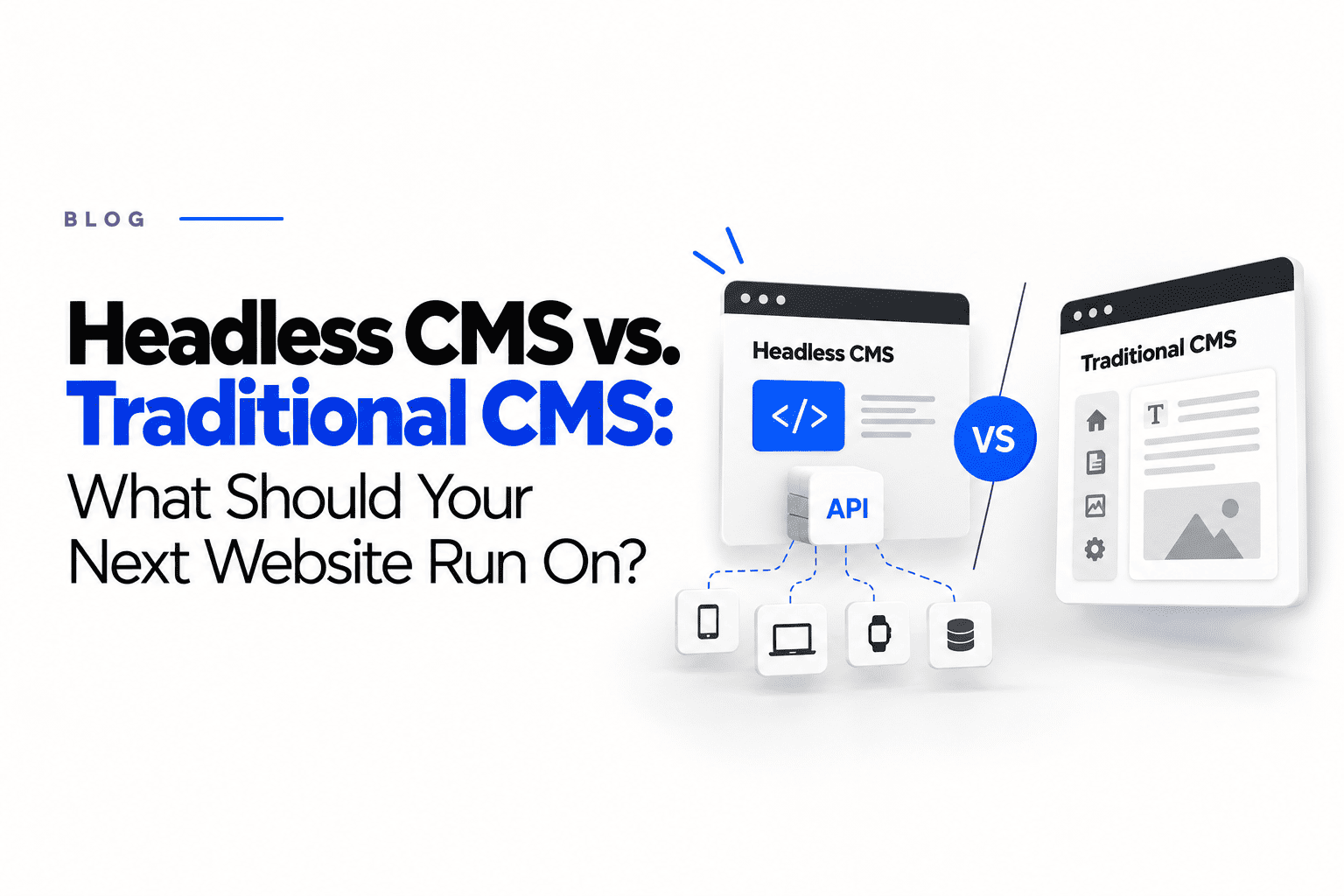
A traditional CMS manages content and also controls how the website looks, in one system. A headless CMS only stores and manages content, and delivers it through an API to a separately built website, app or other channel.
Is a headless CMS faster than a traditional CMS?
It can be, because the front end can be built for performance, but it is not automatically faster. A well-optimised traditional CMS can outperform a poorly built headless site. Speed depends mostly on how the site is built and maintained.
Is WordPress still a good choice for a business website?
For many businesses, yes. WordPress powers about 40% of all websites, has a large ecosystem and is easy for non-technical teams to edit. It needs careful plugin choices, security updates and performance work to stay fast and safe.
When does a headless CMS make sense?
When the same content needs to appear across several channels, such as a website, app and other digital touchpoints, when performance and custom front-end experiences are critical, and when the business has developers available to build and maintain the front end.